
EOFY is one of the busiest times of year for Australian investors.
It is also the time when small portfolio data issues can suddenly become much more obvious.
Missing trades, unrecorded Dividend Reinvestment Plans (DRPs), complex AMIT/AMMA statements, incorrect cost bases, foreign income and withholding tax can all affect the reports you need to review or share with your accountant.
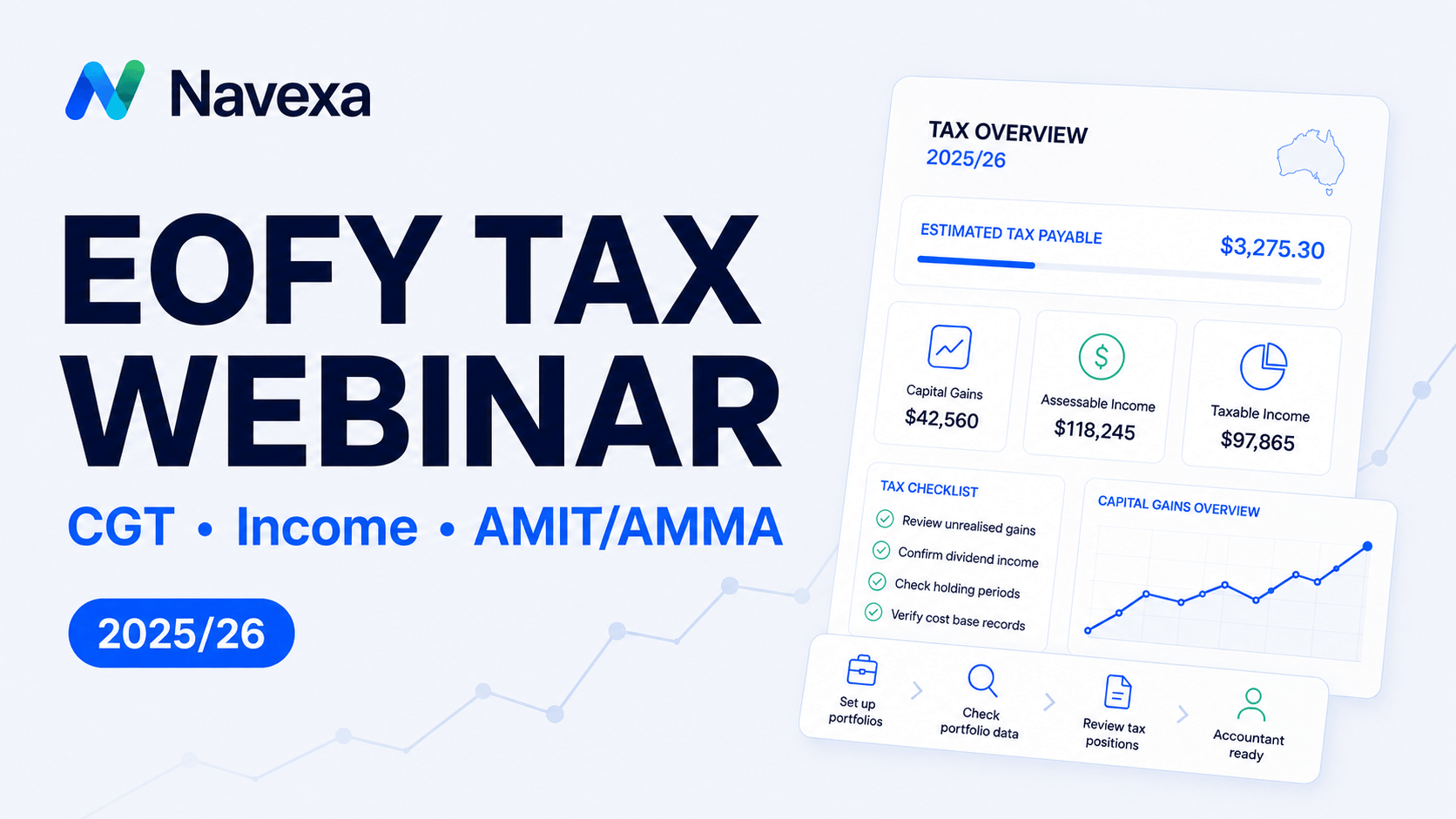
That is why, on Friday, 19 June 2026, we hosted the Navexa EOFY 2025/26 Tax Webinar.
In this session, Tom Wilson and Navarre Trousselot walked through how to prepare your portfolio for tax time in Navexa. The webinar covered how to use Navexa’s Australian tax reporting tools to review portfolio data, identify common issues, process ETF tax statements, and generate reports based on the information in your account.
Watch the full webinar replay here:
Prefer to follow along? Download the EOFY tax webinar slides (PDF).
What We Covered: The EOFY Tax Workflow
A tax report is only ever as useful as the data behind it.
If your portfolio data is incomplete, incorrectly structured, or missing important tax components, your CGT and income reports may also be incomplete or less accurate.
The webinar focused on a simple, repeatable EOFY workflow designed to help you review your information step-by-step:
- Structure your portfolios correctly
- Check your portfolio data
- Open Tax Overview
- Review Tax Readiness
- Fix or review flagged issues
- Review CGT and income reports
- Add AMIT/AMMA details where needed
- Export or share reports with your accountant
1. Structure Portfolios by Tax-Paying Entity
One of the most common issues investors run into is splitting portfolios by broker, account, or asset class.
In Navexa, each portfolio should generally represent one tax-paying entity, such as:
- An individual investor
- A partner or spouse
- An SMSF
- A company or trust
Where assets belong to the same tax-paying entity, they can generally sit inside the same Navexa portfolio.
That single portfolio can include shares, ETFs, managed funds, crypto, cash accounts, and custom investments.
Splitting those assets across multiple portfolios may make tax reporting more difficult, because the data is no longer being reviewed in one place.
Tip: If you want to view your investments by strategy, such as core and satellite holdings, Navexa’s Custom Groups feature may be a better option than creating separate tax portfolios.
2. Audit Your Portfolio Values First
Before generating a tax report, it is worth checking whether your portfolio values look correct.
If a holding value looks wrong, or your Navexa portfolio does not match what you expect from your broker, registry, or wallet records, there may be missing or incorrect data.
Common causes of data discrepancies include:
- Missing buy or sell trades
- Unrecorded corporate actions, such as share splits or consolidations
- Dividend Reinvestment Plans (DRPs) not being switched on
- Transfers between wallets or accounts
- Cash account movements not being reflected
- Incorrect cost base records
During the webinar, we demonstrated how Navexa can flag a holding with a negative quantity warning.
In the live example, the issue was caused by a missing trade. Once that trade was added, the holding and portfolio values made sense again.
The key takeaway is simple:
If the report looks wrong, check the underlying portfolio data first.
3. Identify Issues Early with Tax Overview and Tax Readiness
The Tax Overview page is designed to be your starting point for EOFY reporting in Navexa.
Inside Tax Overview, you can select the relevant financial year, review key summary figures, access tax reports, and work through items that may need attention.
The Tax Readiness dashboard helps highlight areas such as:
- Holdings and incomplete trades
- Unconfirmed dividends or staking rewards
- Trust income, including AMIT data
- Warnings or unresolved items
Working through these items systematically can help you review your data before relying on your final reports.
4. Review Capital Gains Tax (CGT) and Parcel Selection
Capital Gains Tax (CGT) reporting requires accurate records.
When reviewing your CGT report in Navexa, you can check your selected financial year, disposals, cost base, capital gains and losses, and CGT settings.
Navexa supports different CGT strategies and parcel-level selection on supported plans.
While First-In, First-Out (FIFO) is commonly used as a default approach, Australian investors may have flexibility around which parcels are treated as sold, depending on their circumstances and records.
This is where detailed portfolio data matters.
If you are reviewing parcel selection, you need accurate transaction records so you and your accountant can see how gains or losses have been calculated.
Navexa helps organise the data and reporting, but your accountant or tax adviser should confirm which approach is appropriate for your personal situation.
5. Track Complex Investment Income
Investment income is not always the same as the cash amount received in your bank account.
The webinar covered income items such as:
- Dividends and distributions
- Franking credits
- Foreign income and withholding tax
- Staking rewards
- Cash interest
We also discussed ETF distribution dates.
Some ETF distributions can be paid in one financial year but attributed to another, depending on the fund’s reporting.
Navexa helps reflect this treatment where relevant, and users should also confirm the details against their fund or member statement.
6. Import AMIT/AMMA Statement Data
AMIT/AMMA statements are commonly issued by ETF and managed fund providers after EOFY.
They can be easy to miss, but they may include important tax components that are not obvious from the cash distribution alone.
These statements may include:
- Tax components
- Foreign income
- Capital gains components
- Cost-base adjustments
- AMIT shortfall or excess amounts
These details can affect more than income. Some values may affect your cost base and future CGT reporting.
In the webinar, we demonstrated Navexa’s AI Document Importer, where available.
Users can upload a PDF statement, allow Navexa to extract the figures, and then review and confirm the amounts against the original document before saving.
If your provider gives you a consolidated statement across multiple ETFs or holdings, you may need to request or prepare a breakdown by holding before entering the information into Navexa.
7. Export or Share Reports With Your Accountant
Once your portfolio data has been reviewed, Navexa can help you prepare information for your accountant.
Depending on your account and reporting needs, you can:
- Export tax reports as a PDF
- Export reports as an Excel spreadsheet
- Share portfolio access with your accountant
- Choose read-only or read/write access
- Provide supporting statements or notes where needed
Navexa helps organise the calculations and reporting, but your accountant may still ask for source documents, such as broker statements, registry statements, or AMIT/AMMA statements.
8. Preparing for Proposed CGT Changes
We also briefly addressed the proposed CGT changes that have been discussed across the industry.
These changes are still proposed, not final.
Regardless of what happens, detailed records remain important.
That means maintaining:
- Accurate buy and sell dates
- Reliable cost base history
- Complete transaction records
- Parcel-level visibility where relevant
- Source documents
Navexa is built around detailed portfolio records, and we will continue supporting users as tax reporting requirements evolve.
Watch the Live Platform Walkthrough
The full webinar replay includes a live Navexa walkthrough showing how to:
- Identify and fix a missing trade
- Turn on Dividend Reinvestment Plans
- Review how ETF AMIT/AMMA entries appear in the platform
- Use Tax Overview and Tax Readiness
- Import an AMIT/AMMA statement with the AI tool
- Review CGT reports and parcel selection
- Export reports
- Share portfolio access with an accountant
Download the Webinar Slides (PDF)
Helpful Links
Navexa Tax Help Centre
https://help.navexa.com/en/collections/7008835-tax-ato-reporting
Navexa Support on YouTube
https://www.youtube.com/@navexa-support
Important Information
This article and webinar are general information only.
They are not personal tax, financial, investment or legal advice. They do not take into account your personal circumstances, tax position, investment objectives or needs.
Please speak with your accountant, registered tax agent or licensed financial adviser before making tax, investment or reporting decisions.